

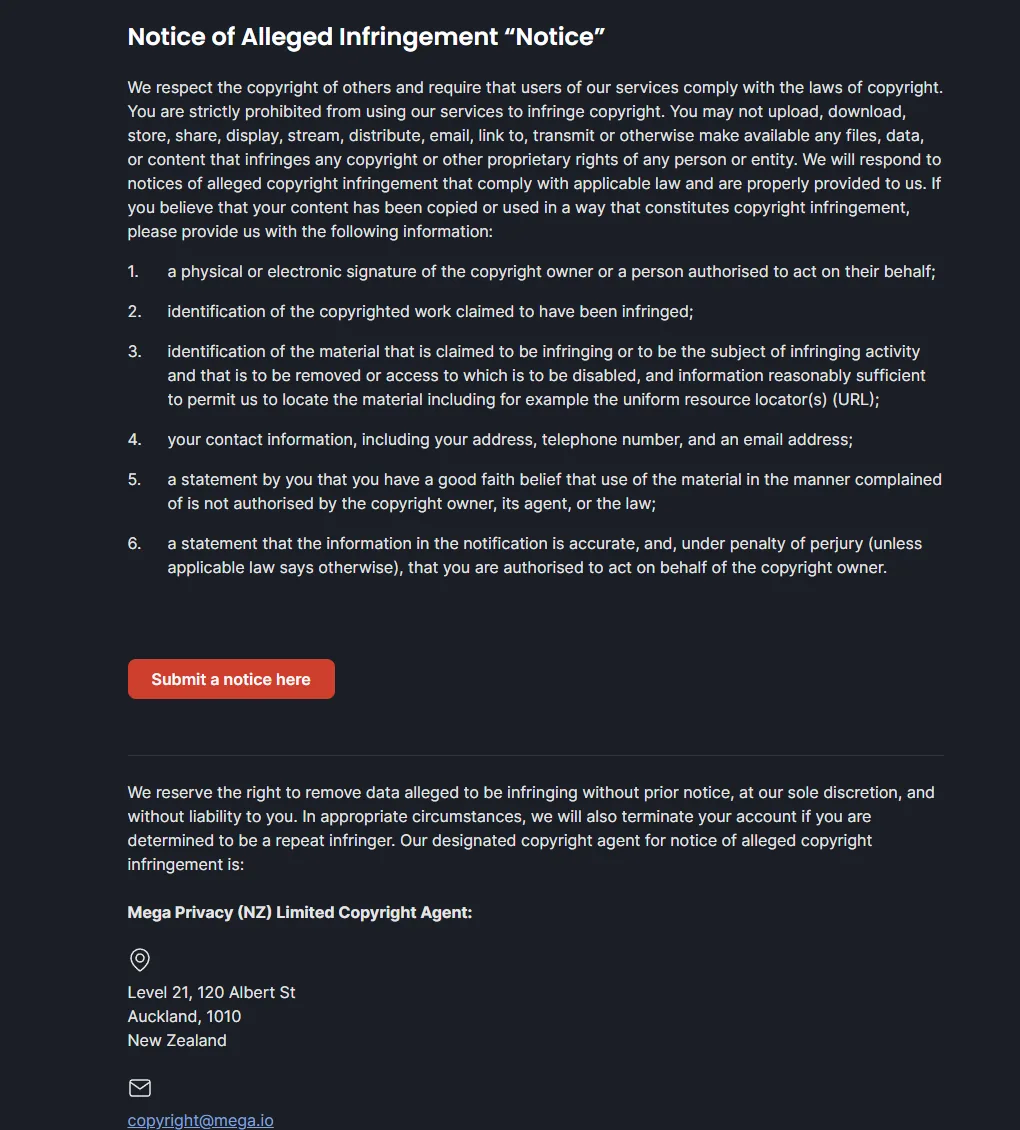
Mega honors copyright notices and disables offending links quickly. File through its copyright form at mega.io/copyright or email [email protected] with the exact file and folder links. The one thing to understand: Mega is end-to-end encrypted, so it cannot search inside files or match your name. It can only act on the specific links (handles) you give it. A general "my content is on Mega" report has nothing to act on.
Most guides treat Mega like any other host, and that gets people stuck. Mega is different in one way that decides whether your notice works: it is end-to-end encrypted. Mega cannot see the contents of a file, cannot search for your name, and cannot find your leak on its own. Everything runs on the link.
That is actually good news. Once you hand Mega the exact links, it is a cooperative, fast host that disables infringing content without a fight. The whole game is giving it precise handles instead of a vague description. This guide shows how.
If tracking down and reporting every Mega link is more than you want to manage, our OnlyFans leak removal service does the reporting for you and re-files when new links appear.
Mega
Why Mega needs the exact links
Because Mega is encrypted, a file is just an opaque blob to the company until you point at the specific link. That has two consequences:
- There is no profile to report. Unlike a leak gallery, there is no "your name" page to hand over. You report individual file and folder links.
- The link is everything. A Mega URL carries a file handle and a decryption key. That is what Mega disables, so you need the full link exactly as it appears, not a screenshot or a description.
Give it the precise links and Mega acts. Give it a vague report and there is literally nothing for it to find.
Step by step
Collect the full Mega links
Copy each Mega file and folder URL exactly as it appears, one per line. These often come from a forum or chat that links out to Mega. Screenshot each page before you file.
Choose the form or the email
You can file through the copyright form at mega.io/copyright, or send the notice by email to [email protected]. Either reaches the same team.
Write the notice
State that you are the copyright owner, paste your Mega link list, and add a link to your original profile (OnlyFans, Fansly, MYM) as proof of ownership. Use the template below.
Send it and keep a copy
File from an email you actually check and save what you sent. Mega usually disables valid links quickly.
Copy and paste template
Mega DMCA Notice
To the Mega copyright team,

I am the copyright owner of the content listed below and I am requesting that these links be disabled under the Digital Millennium Copyright Act.

Original content, proof of ownership:
https://onlyfans.com/yourprofile

Infringing Mega links:
https://mega.nz/file/EXAMPLE1
https://mega.nz/folder/EXAMPLE2

I have a good faith belief that the use of this material is not authorized by me, my agent, or the law.

I swear, under penalty of perjury, that the information in this notice is accurate and that I am the copyright owner or authorized to act on the owner's behalf.

Full legal name: [Your Name]
Email: [Your Email]
Date: [Today's Date]
Signature: [Your Full Name]
Note
You do not have to give Mega your home address. A valid name and email are what gets a link disabled. If a field asks for a mailing address, use a management or agent address, never your personal one.
If you want a longer version, we keep a complete DMCA notice template you can reuse for any host.
The part most guides skip
Disabling a link is not the end of it. Because Mega links are shared in forums and chats, the same file is often re-uploaded to a new Mega link soon after, and the leak usually sits on other hosts at the same time. Killing one link is real, but expect new ones.
Two habits keep it down:
- Re-file the moment a new Mega link appears, not once a month.
- Send the links to Google as well, so they drop out of search even if a copy is re-uploaded. Our guide to removing content from Google walks through that.
Tip
Grab the full Mega link and a screenshot before you report. Once the link is disabled you may still need proof it existed, for a repeat offender or a follow up.
Filing it yourself or letting us handle it
Mega links get re-uploaded. Stay ahead of them.
SuppressLeak watches for new Mega links, files each notice, and delists you from Google.
FAQ
Does Mega respond to DMCA notices?
Yes. File through mega.io/copyright or email [email protected] with the exact links and it disables infringing content, usually quickly.
Why can't I just report my profile or my name?
Mega is end-to-end encrypted, so it cannot see inside files or search for your name. It can only disable the specific file and folder links you provide.
What email do I use for a Mega takedown?
[email protected], or the copyright form at mega.io/copyright. Both reach the same team.
Why does the same content keep reappearing on Mega?
Mega links are shared and re-uploaded easily, so a disabled link is often replaced by a new one. Re-file as new links appear and delist them from Google.
Free DMCA Takedown Notice Template
A complete, reusable notice you can send to any host.
Read moreRemove Content from Google
Get the links out of search even when a copy is re-uploaded.
Read moreRemove Leaked Content from LeakGallery
The same approach for a cooperative leak gallery.
Read moreOnlyFans Leak Removal Service
Let us monitor for new Mega links and file the notices for you.
Read more


